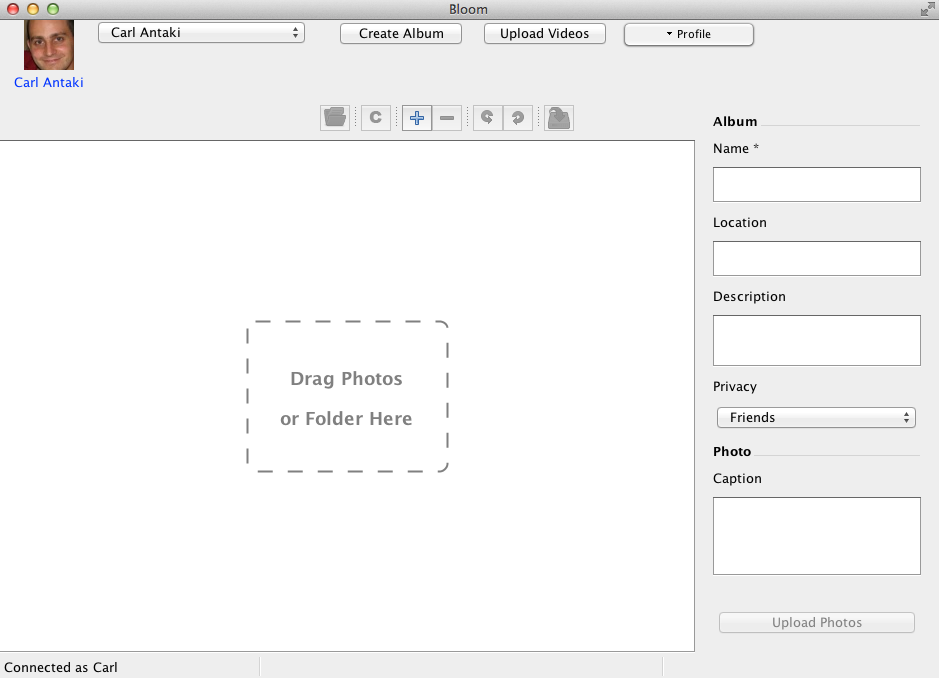
Login: Step by step
Here is how you can start to use Bloom:
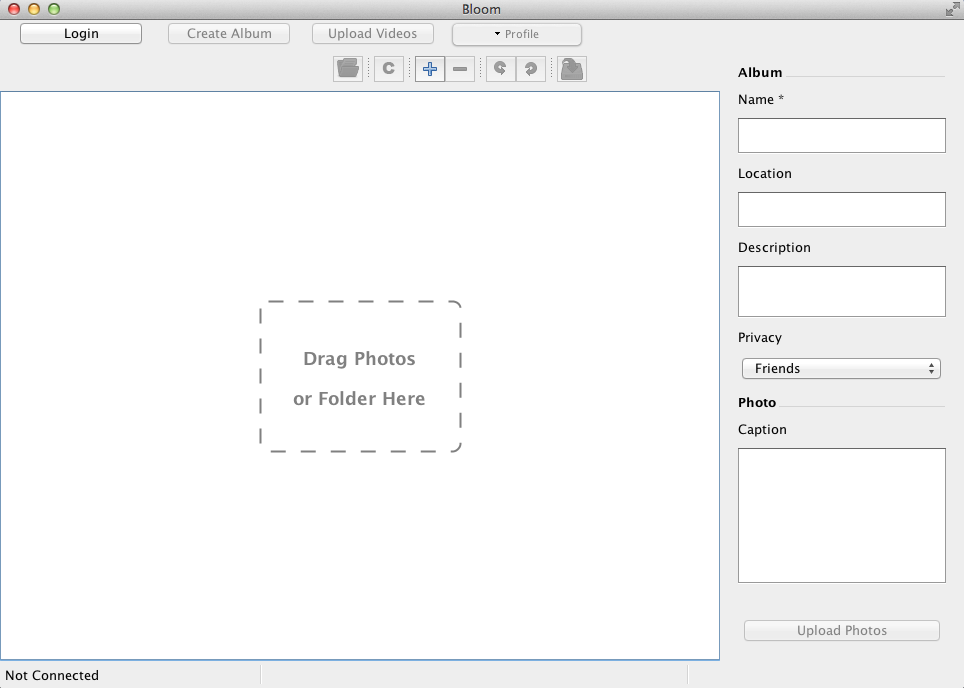
- First press the Login button
on the top left toolbar, you can also work offline and then click the Log In button
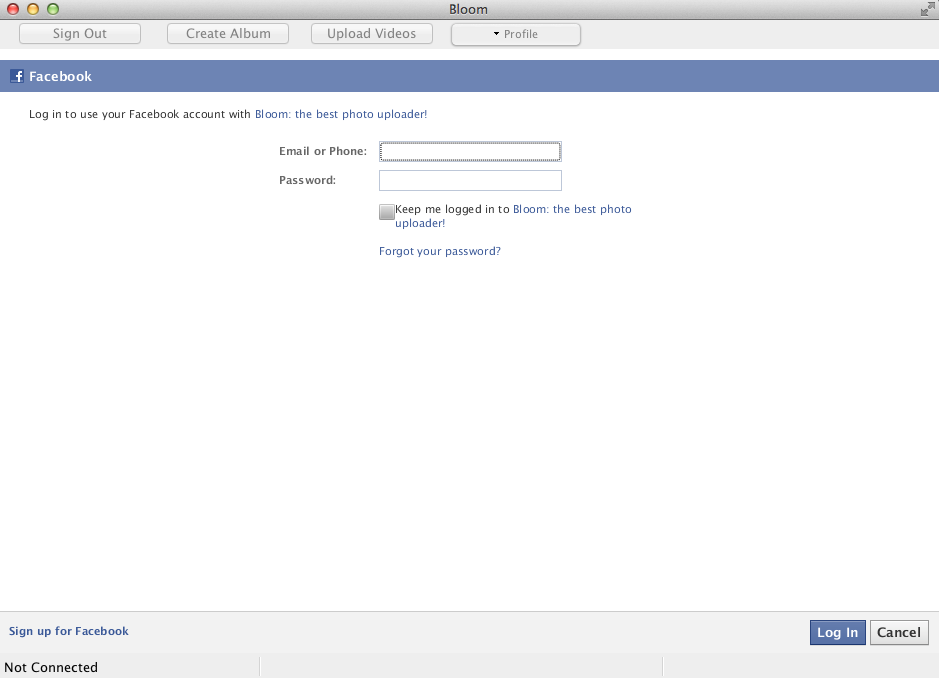
- A browser window will launch
- After you use Bloom for the first time, the following windows are displayed:
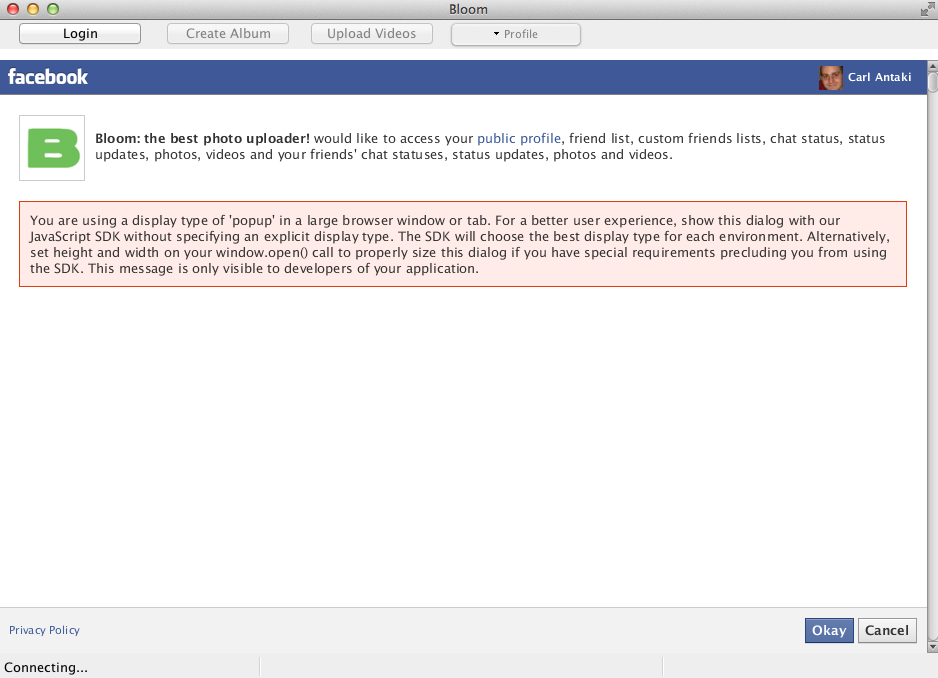
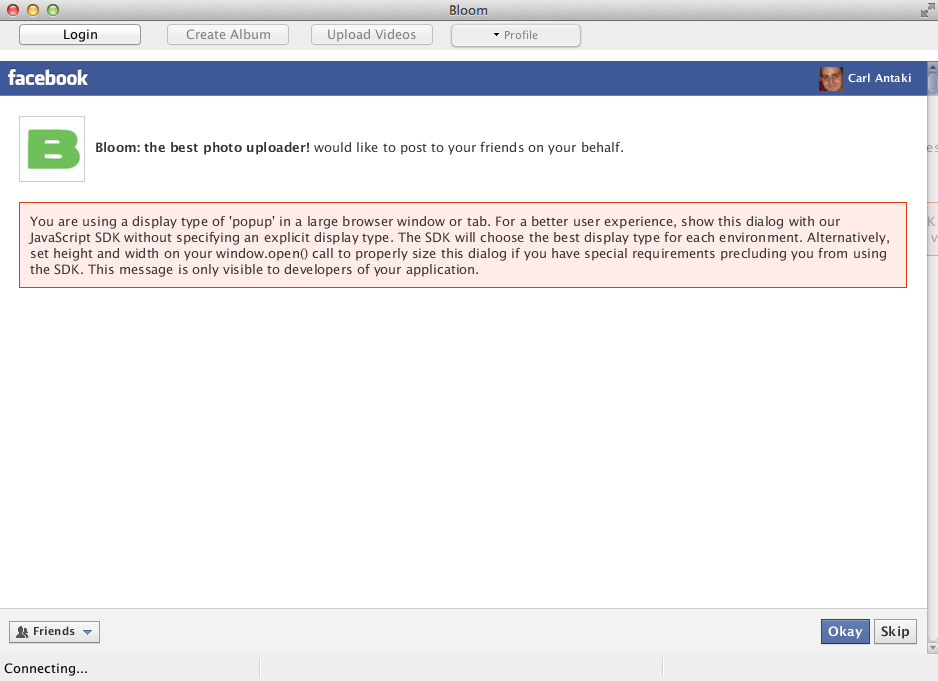
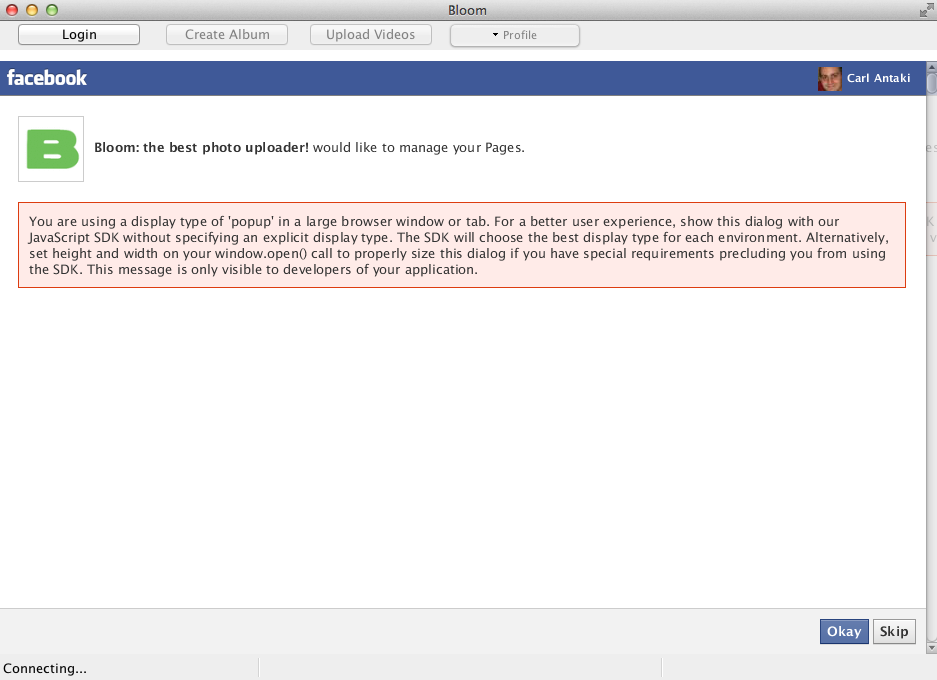
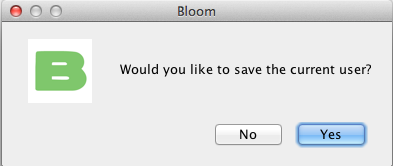
- Click on save current user if you which, that will save you from entering your password every time.
- You're now logged in and you can upload photos and videos as you wish...